Inside the New Ohai: An Exclusive Preview of What's Coming
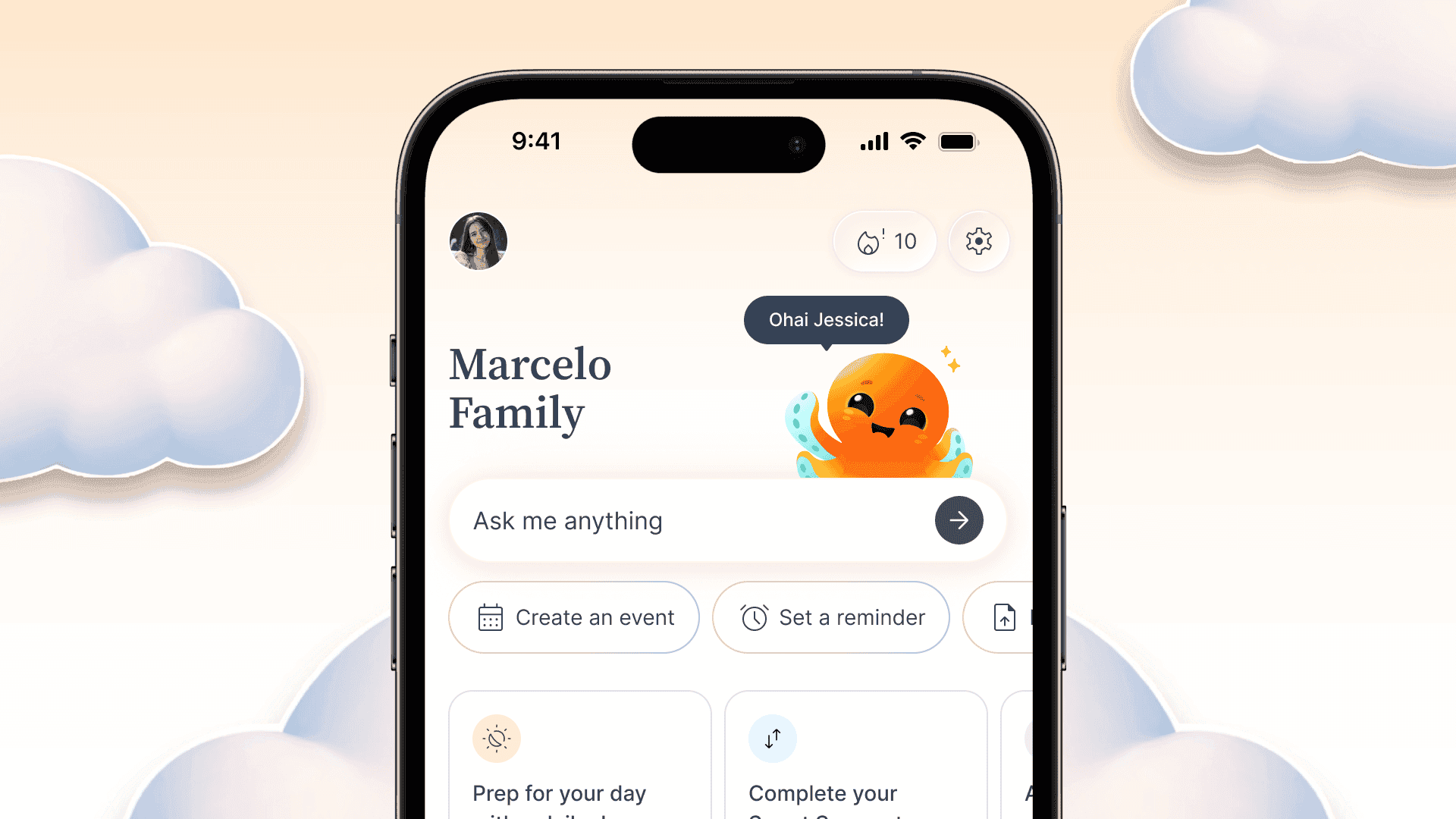
Table of Contents
There's a specific kind of chaos that happens between 7 and 8 in the morning.
Someone needs a ride at 4. Someone else has a dentist appointment you forgot about. There's a birthday party this weekend that nobody confirmed. And the question, what's everyone doing today?, doesn't have a clean answer, because the answer lives in four different apps, two group chats, and someone's head.
We built Ohai to fix that. And with what's coming next, we're closer to that vision than we've ever been. This is your exclusive first look at what's launching next week.
A Home Screen That Actually Tells You What's Happening
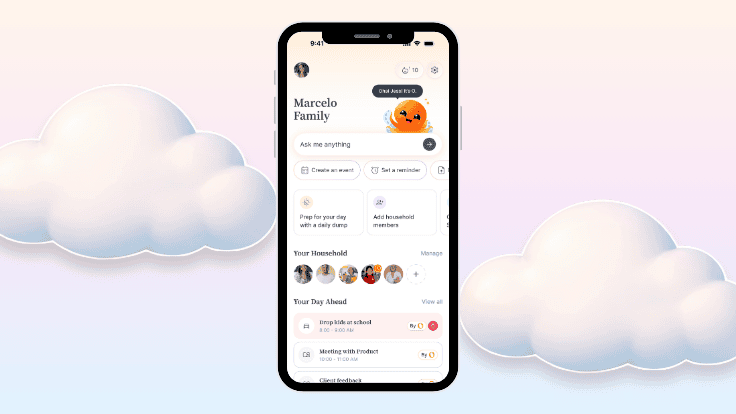
The first thing you'll notice is a redesigned home screen, built around a simple idea: when you open Ohai, you should immediately know what today looks like for your family.
Your Day Ahead is right at the top, a quick summary of what's on your plate before the day gets away from you. Below that, your Upcoming To-Dos so nothing falls through the cracks. And Today's Reminders so the things that matter get seen.
It's not a dashboard. It's more like a briefing. A 10-second answer to the question you ask yourself every morning. For busy families looking for one place to manage household tasks and schedules, this is exactly what we've been building toward.
Just Talk to It
One of the things we hear most from families is that they don't always have time to sit down and type. Dinner is on the stove. The kids are asking questions. You're in the middle of something.
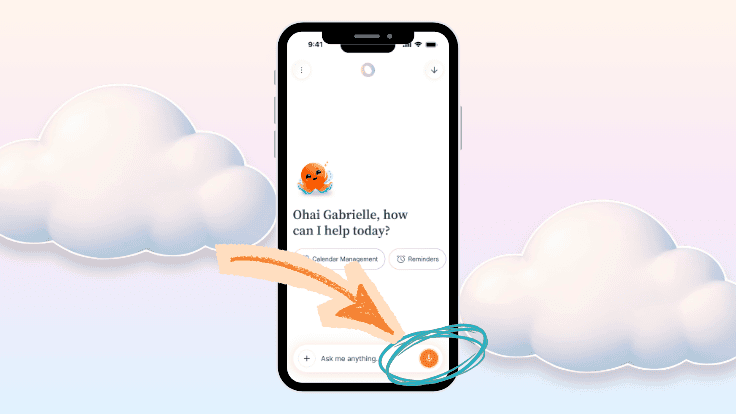
So we built voice-to-text directly into Ohai.
Now you can just say it. "Add Oliver's soccer practice to the calendar on Thursday at 5." "Remind Emma to pack her gym bag tomorrow morning." "What does next week look like for us?" You don't need to open a keyboard. You don't need to find the right field. You just talk, and Ohai listens.
It's a small change in how you interact with the app, but in practice it changes everything. The moments you'd otherwise forget, the ones that happen while your hands are full, become things Ohai can actually catch.
One Calendar for the Whole Family
This is the feature we've been most excited to share.
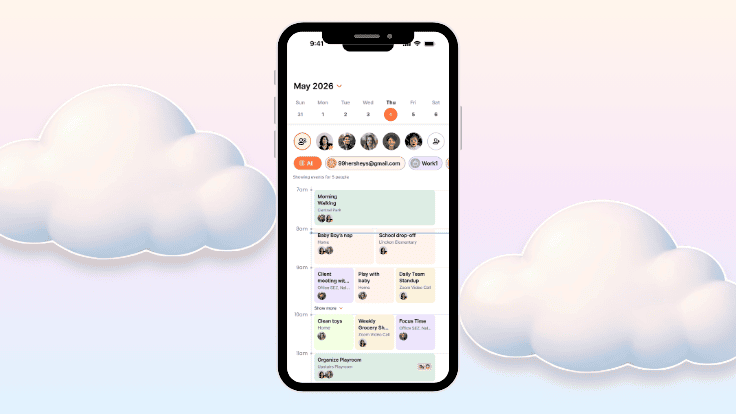
Ohai now syncs every household member's calendar into a single shared view. Google Calendar, Outlook, iCal. It doesn't matter what everyone is using. It all comes together in one place, making it easy to coordinate schedules for the whole family without chasing down anyone's separate app.
But what makes it more than just a combined calendar view is what Ohai does with that information. You can see at a glance where schedules overlap: who's double-booked, what conflicts need a conversation, and where there's actually free time. No more assuming everyone can make Sunday dinner. No more discovering on Friday that two kids need to be in two different places at the same time. Keeping track of family appointments, kids' school schedules, and everything in between finally has a home.
The shared calendar is about more than logistics. It's about having a clear picture of your family's life, together.
This Is Just the Beginning
What you're seeing now is the foundation. We're building toward a version of Ohai that proactively surfaces what your family needs before you have to ask. An inbox scan that flags the things that need your attention. A household manager that knows your routines well enough to get ahead of them.
We're not there yet. But we're building toward it every day, and we're building it with you.
If you have thoughts on what's new, we want to hear them. Reach out in the app, join our community, or if you'd like a personal walkthrough and conversation about the changes we're making at Ohai, reach out directly to our Director of Marketing, Gabrielle, at gabrielle@teamohai.ai. Your feedback is what shapes what comes next.
The Ohai Team